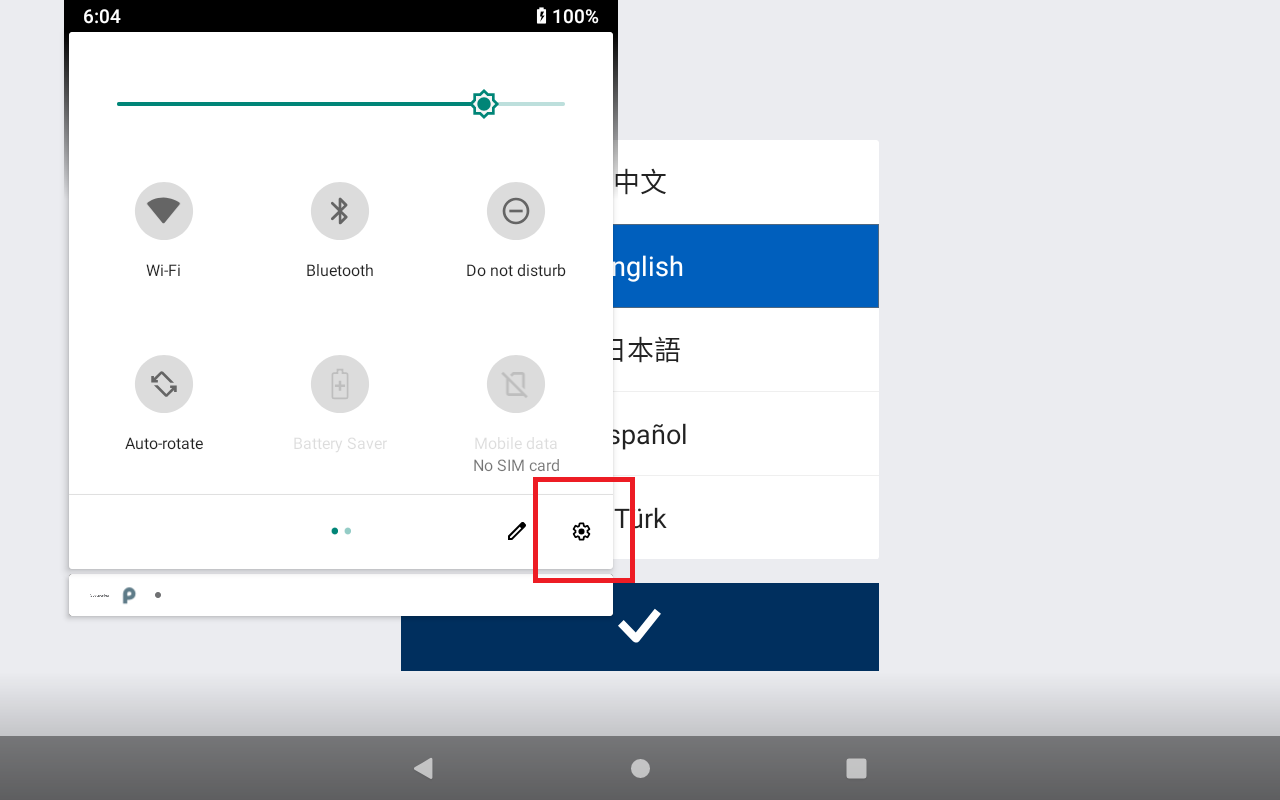
On first time power up swipe down from the top of the screen twice to get the following popup window. Press on the setup button.
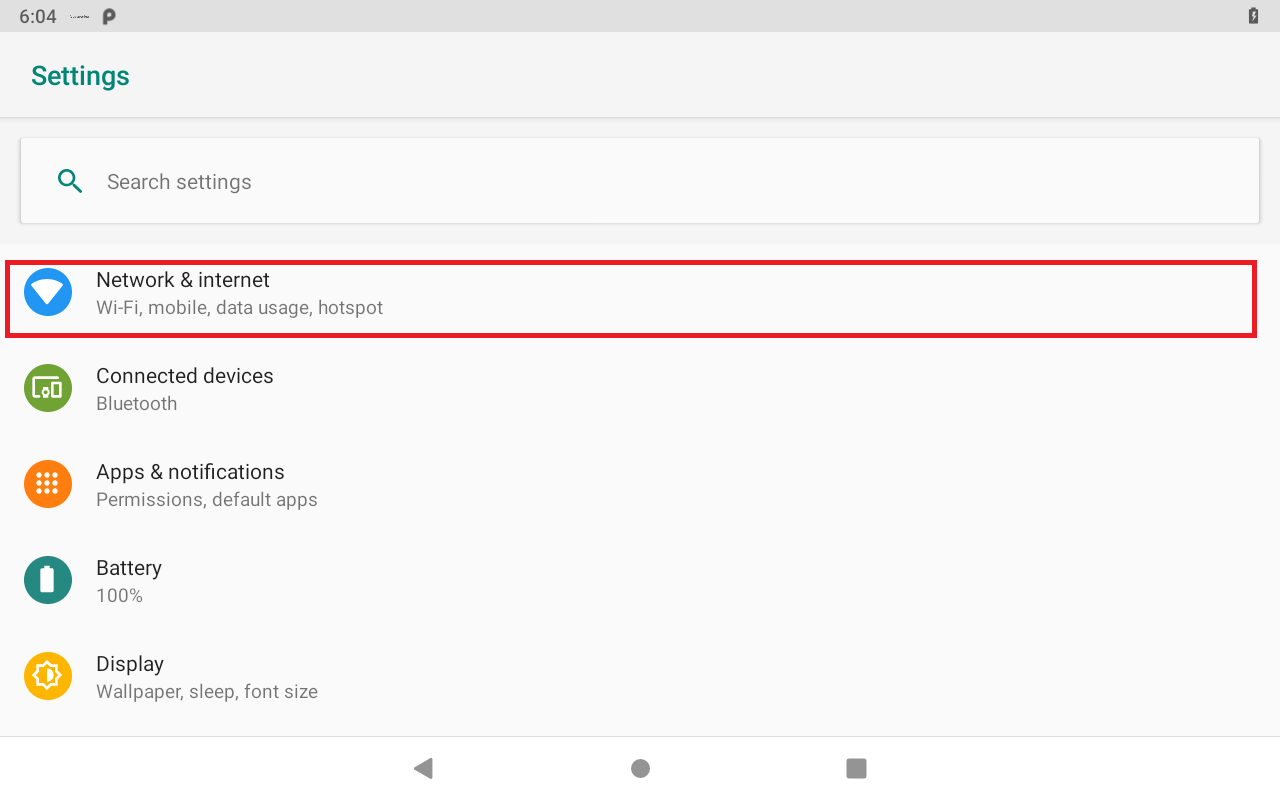
In the setting screen press on Network & internet
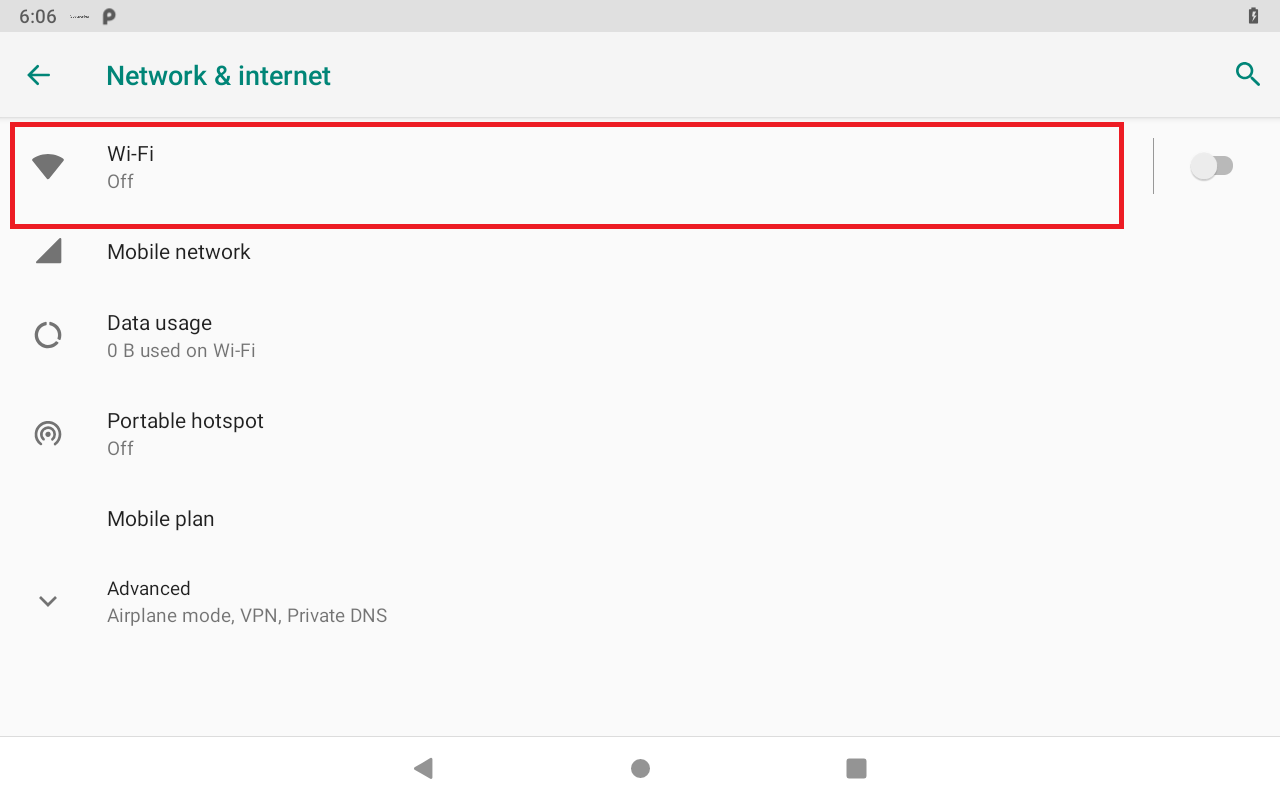
Select WIFI
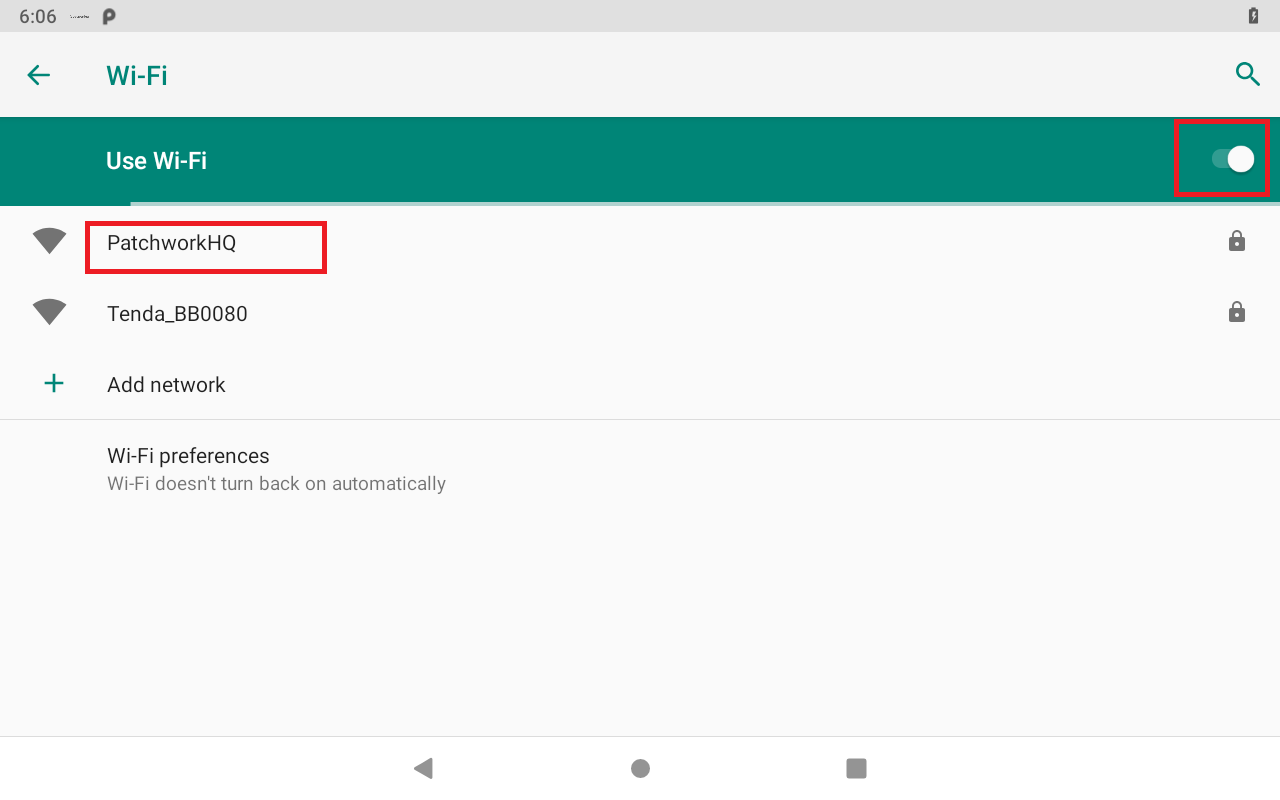
Enabled WIFI and select the WIFI network you wish to connect to
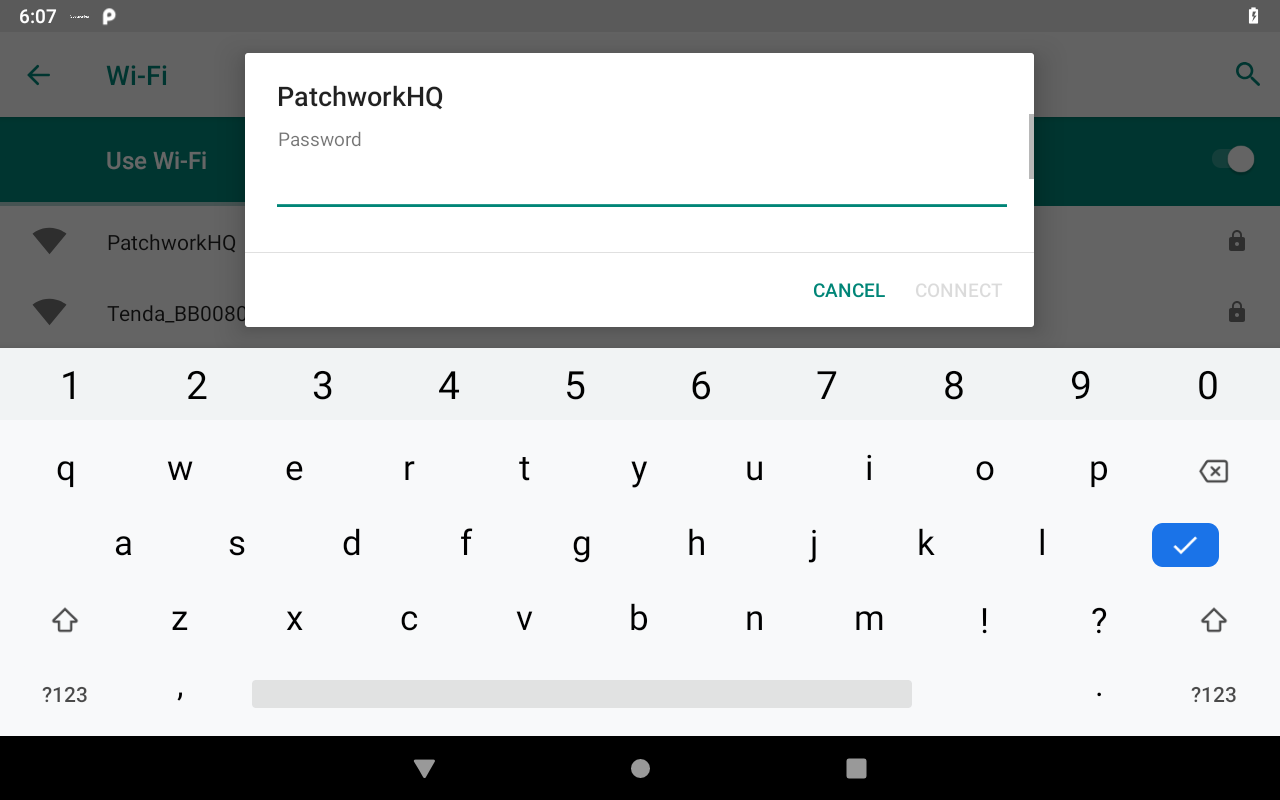
Enter the password
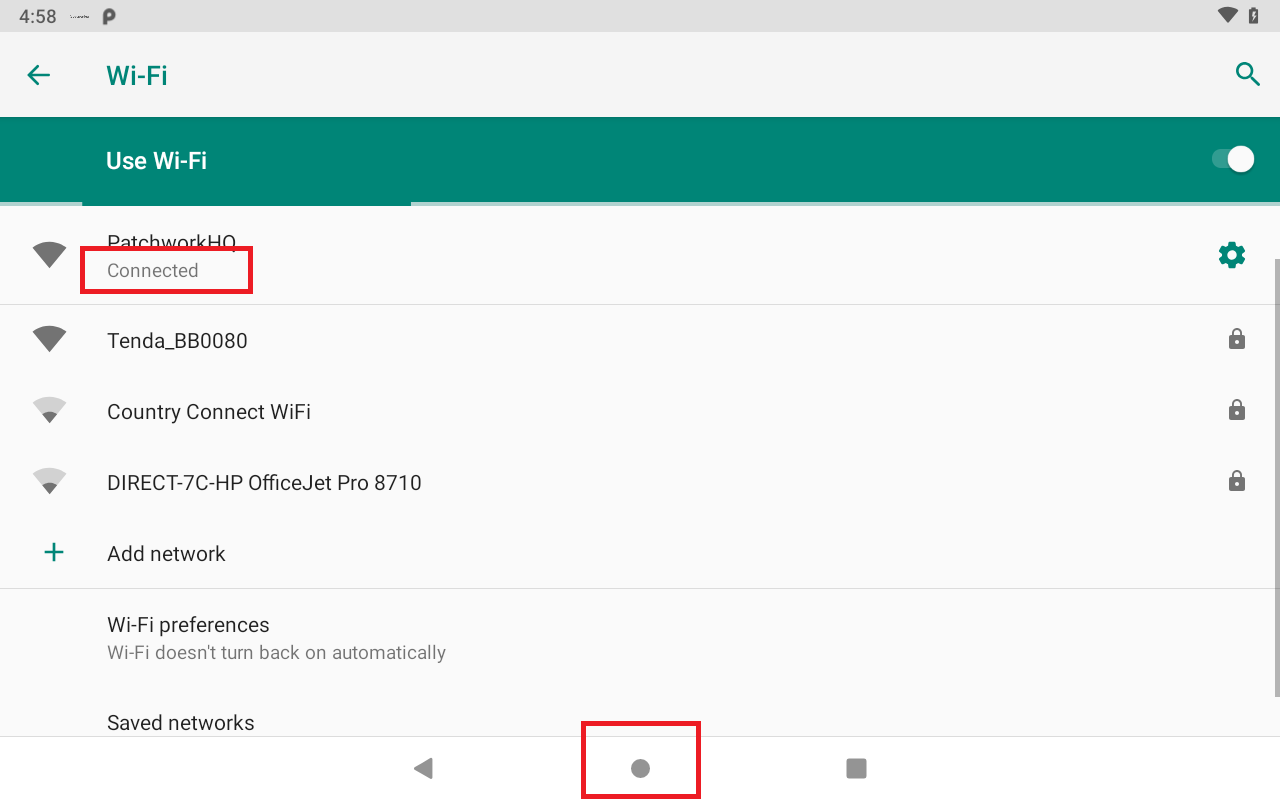
If the password is correct then the WIFI connection should display Connected under the WIFI name. Press the Home button to return to the SimplySteer Application.
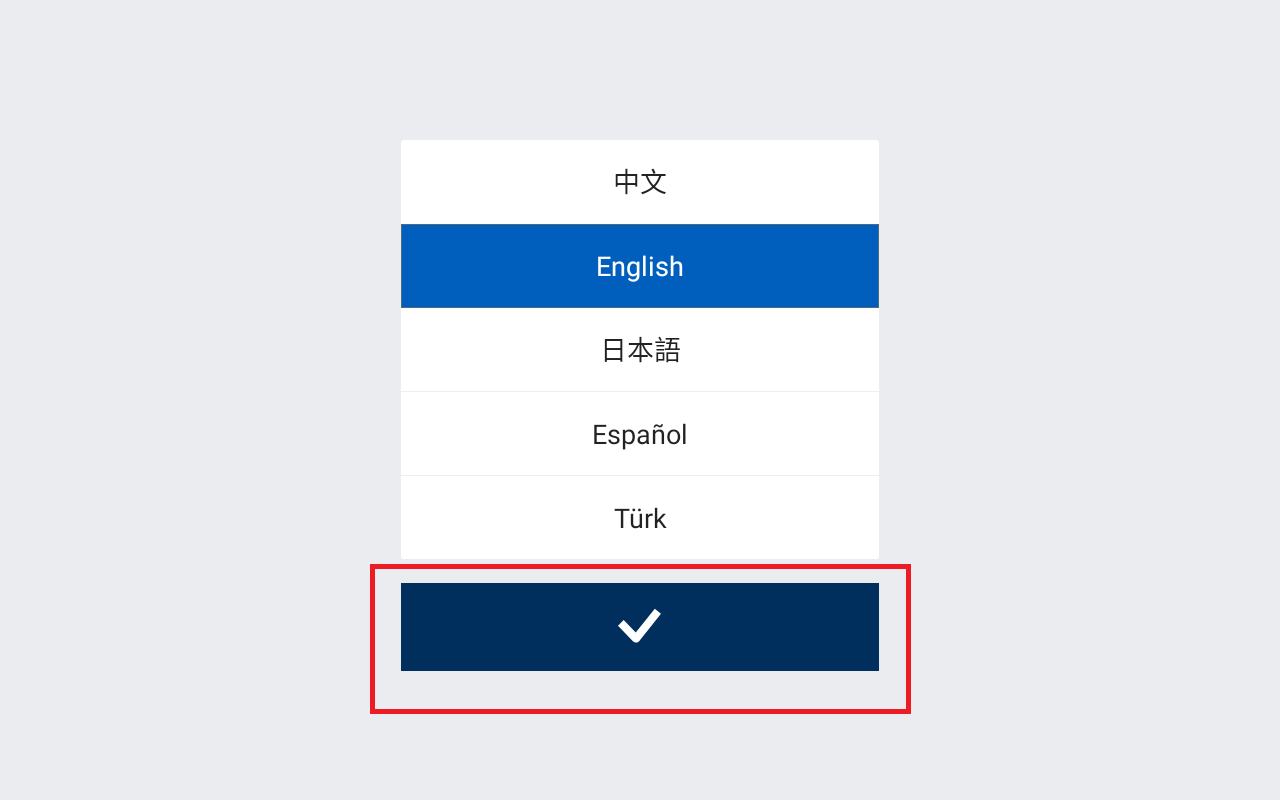
Select the language
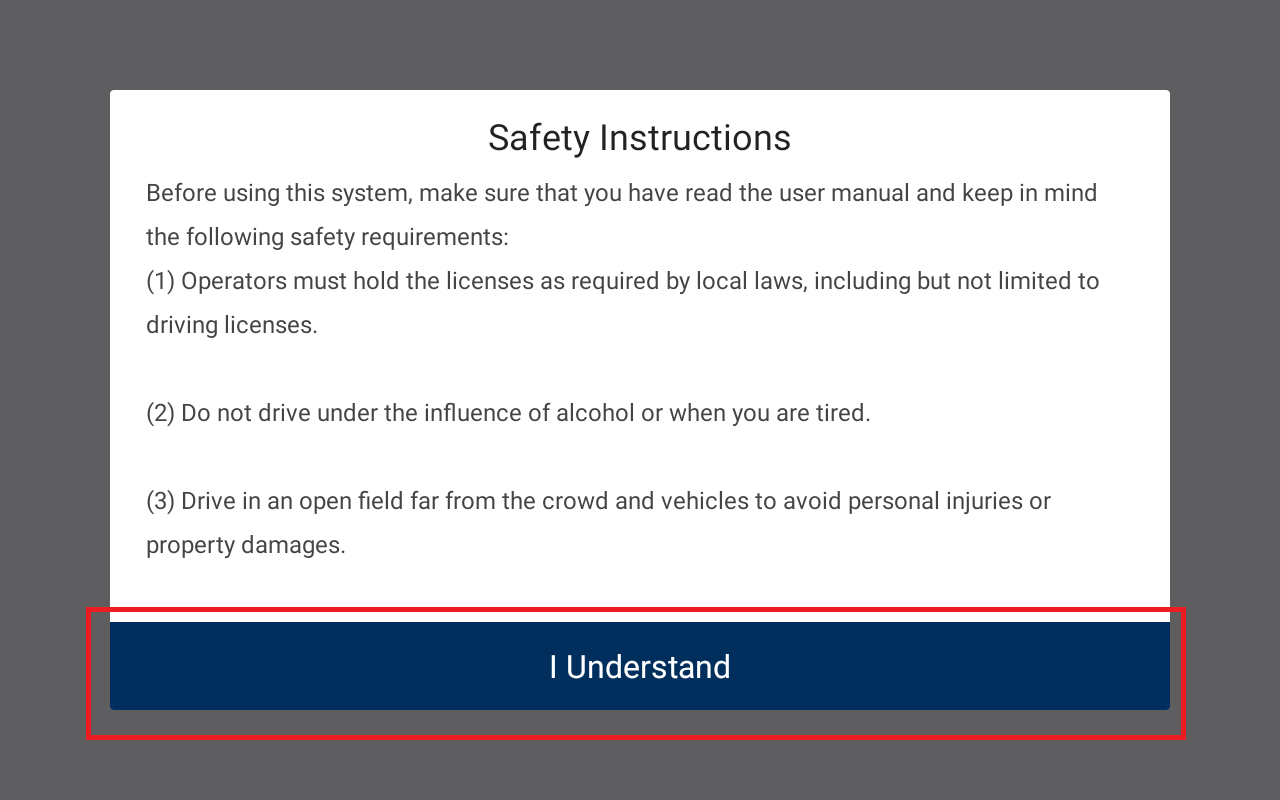
Accept the Safety Instructions
Was this article helpful?
That’s Great!
Thank you for your feedback
Sorry! We couldn't be helpful
Thank you for your feedback
Feedback sent
We appreciate your effort and will try to fix the article